
SuperSAN Online Help

| IP Filters Authorization | KernSafe Storage Center |
|
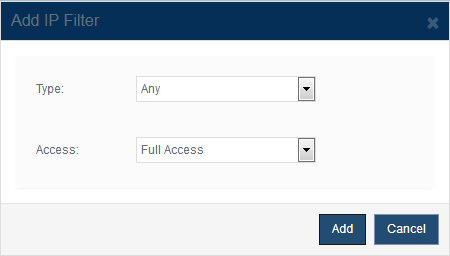
Open Security > IP Filters and click Add to create a new filter rule. The Add IP Filter dialog appears as shown below:
Type defines how the client is matched: Any: Applies the selected access policy to all initiators. Depending on the selected type, the dialog prompts for the required address fields such as a single address or a begin and end range. Access sets the permission granted by the rule. Available values are Full Access, Virtual Write, Readonly, and Refuse. Click Add to save the rule and return to the IP filter list. |
|

SUPPORT
- Forum
- Support Ticket
- [email protected]

- Voice Mail:
- +1 (518) 289-4888