
SuperSAN X Online Help

| Advanced Target Settings | KernSafe Storage Center |
|
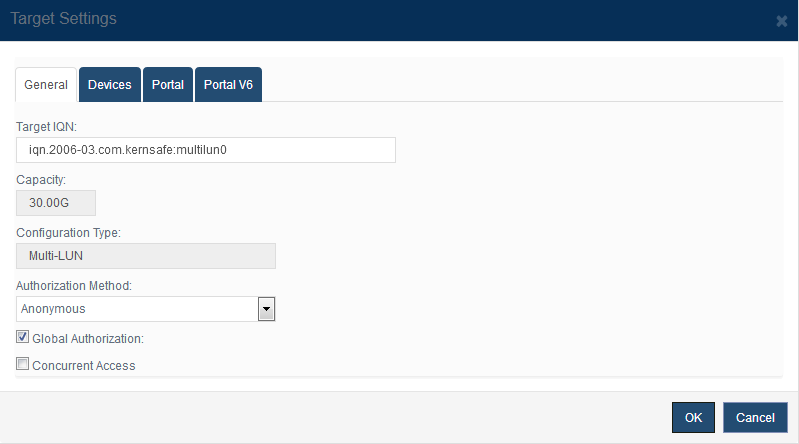
Open Storage Management > Advanced Targets, select a target, and click Properties to open the advanced Target Settings window. 1. General
The General tab shows the target IQN, total capacity, configuration type, and authorization method for the selected advanced target. Authorization Method controls how initiators are authenticated. See Authorization Mechanism for details. 2. Devices
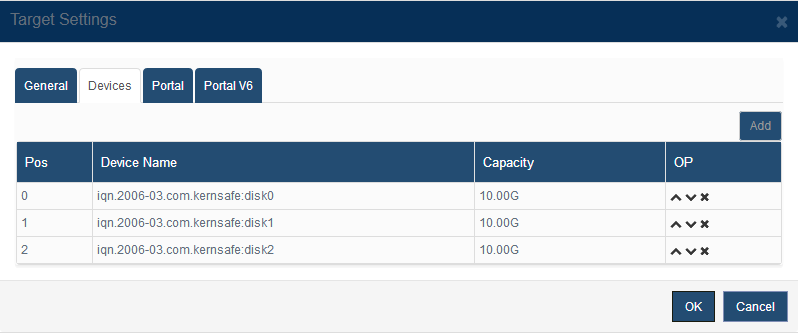
The Devices tab lists all member devices that make up the advanced target. You can add another device, change the order of existing devices, or remove one from the layout. Be careful when changing the membership of a production target. Some advanced layouts may require a rebuild or a target re-enable before the new configuration becomes active. 3. Portal and Portal V6
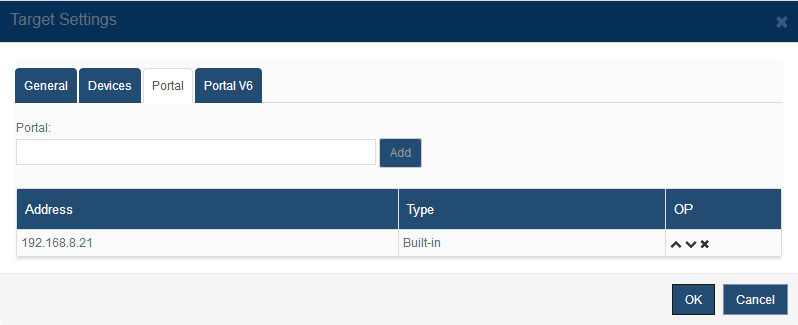
The Portal and Portal V6 tabs define the IPv4 and IPv6 addresses presented by the advanced target. Add addresses as needed and use the move controls to set the preferred connection order. 4. Virtual Write
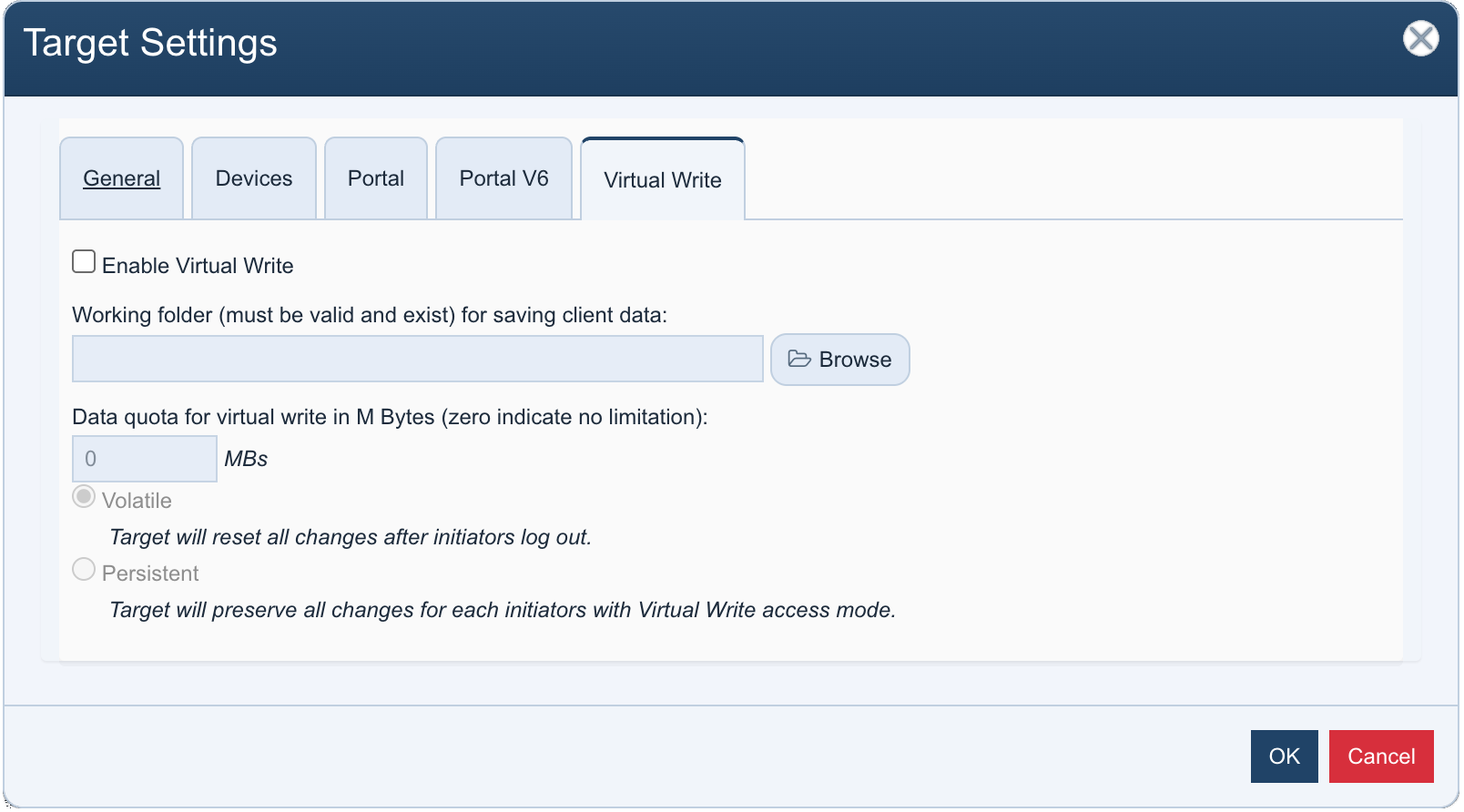
The Virtual Write tab enables a copy-on-write cache layer that allows initiators to write to the target without modifying the underlying data. Check Enable Virtual Write to activate this feature. Then specify a Working folder (must exist on the server) where client write data will be stored, and a Data quota in megabytes (0 means no limit). Select the write mode: Volatile — All changes are discarded when the initiator logs out. Suitable for stateless scenarios such as desktop provisioning. Persistent — Changes are retained per initiator across sessions. Use this mode when each initiator needs to preserve its own modifications. |
|

SUPPORT
- Forum
- Support Ticket
- [email protected]

- Voice Mail:
- +1 (518) 289-4888