
SuperSAN X Online Help

| RAM Disk Device | KernSafe Storage Center |
|
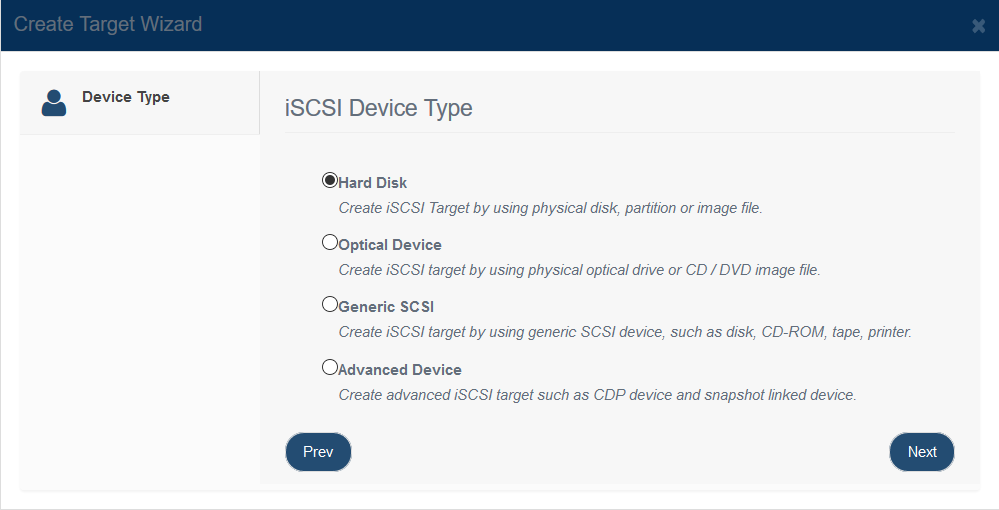
A RAM disk device creates an iSCSI target from system memory on the server. Because it operates in physical memory, it provides very high performance and is well suited to temporary or performance-sensitive workloads such as diskless boot environments. Warning: If the RAM disk is not configured to persist its data, all changes are lost after the server restarts or powers off. Creating a RAM Disk Device Follow the steps below to create a RAM disk device: Step 1. Click Add on the toolbar to open the Create iSCSI Target wizard.
Select Hard Disk, and then press Next to continue.
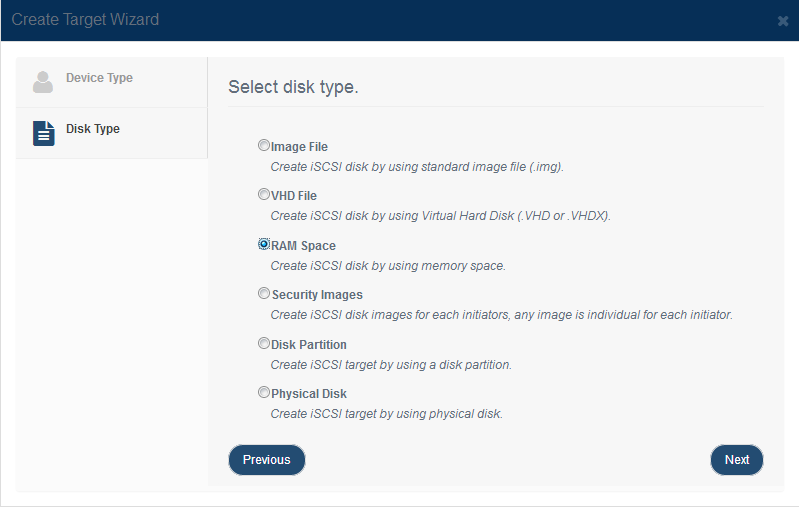
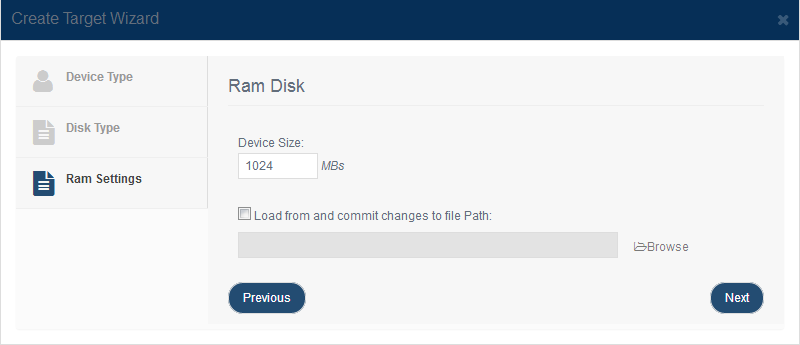
Select RAM Space in the iSCSI Disk Type group. Press the Next button to continue. Step 2. Specify the size of the RAM disk device. The selected size cannot exceed the currently available free memory.
Load and commit change to file lets you store RAM disk data in a standard image file. When this option is enabled, the data is loaded again when the server starts, and you can commit changes manually whenever you want to preserve them. Uncommitted changes are still lost if the server restarts unexpectedly. Press Next to continue. Step 3. Finish creating the iSCSI target.
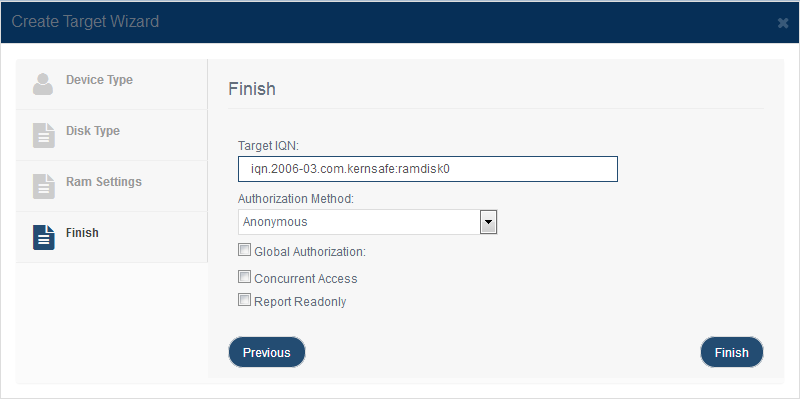
Enter the target name. Select an authorization mode. If you need more information, see Authorization Mechanism. Click Finish to complete target creation. |
|

SUPPORT
- Forum
- Support Ticket
- [email protected]

- Voice Mail:
- +1 (518) 289-4888