
SuperSAN X Online Help

| Target Settings | KernSafe Storage Center |
|
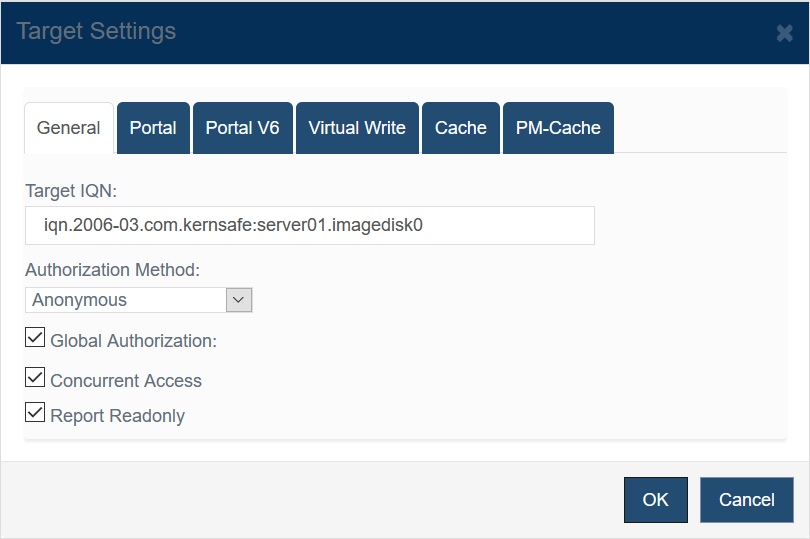
Open Storage Management > Targets, select a target, and click Properties to open the Target Settings window. 1. General
The General tab lets you review or modify the target IQN, the authorization method, and several access-control options. Authorization Method selects how initiators are authenticated. For a detailed explanation of each mode, see Authorization Mechanism. Global Authorization applies the server-wide authorization policy to this target. 2. Portal
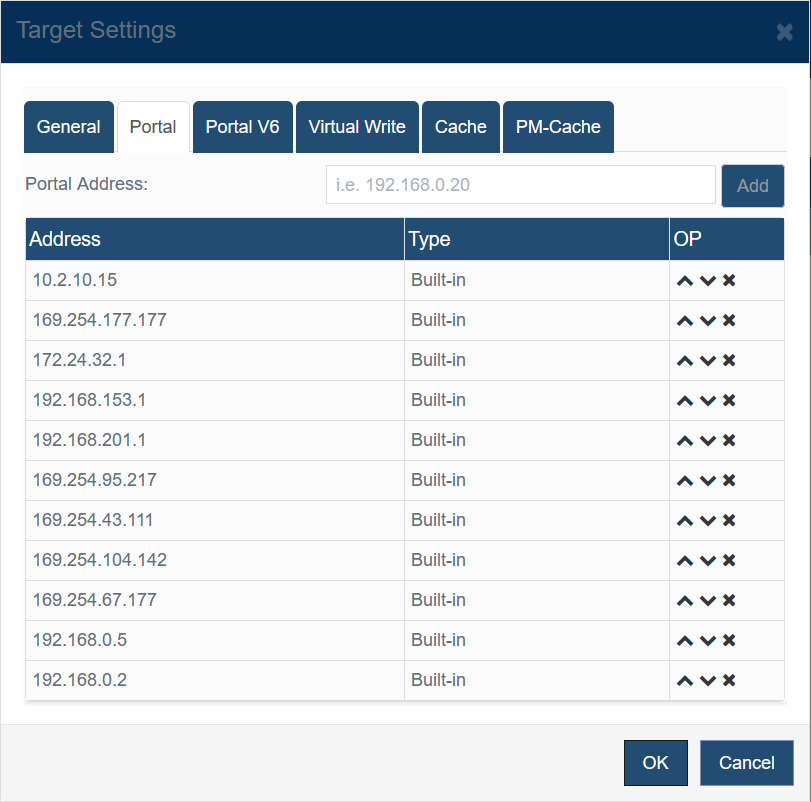
Use the Portal tab to define the IPv4 portal addresses exposed by this target. You can add new addresses, reorder them, or remove entries from the list. Initiators attempt the portals in the displayed order. 3. Portal V6
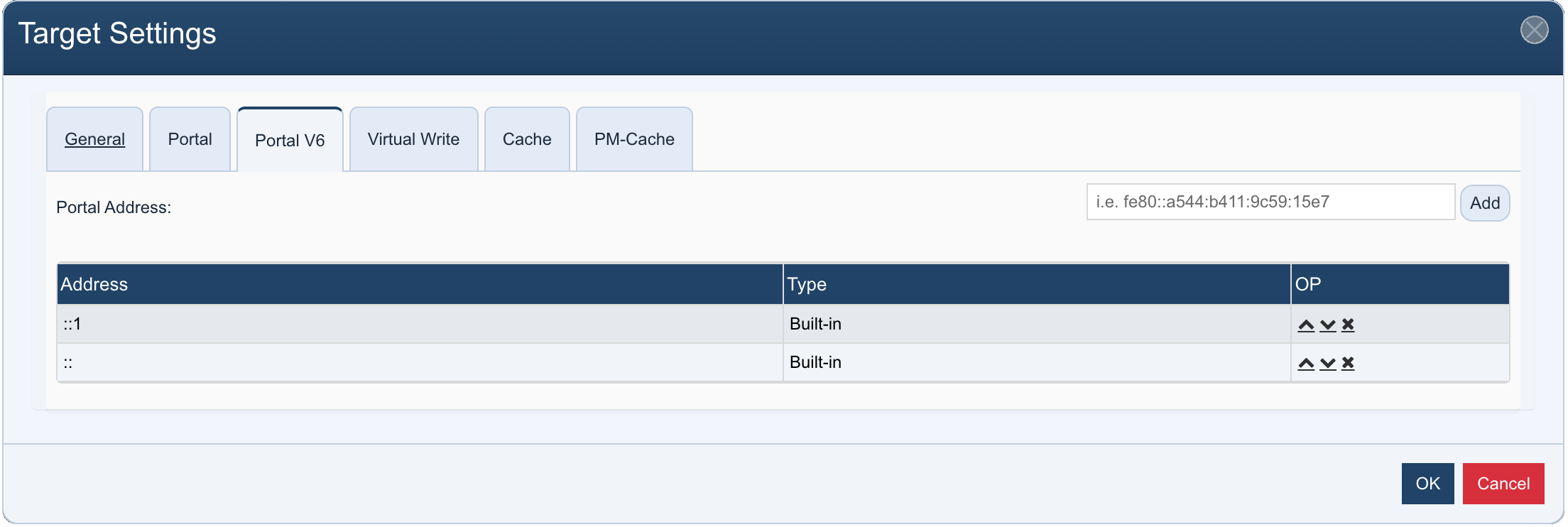
Use the Portal V6 tab to define the IPv6 portal addresses exposed by this target. The layout and controls are identical to the IPv4 Portal tab. 4. Virtual Write
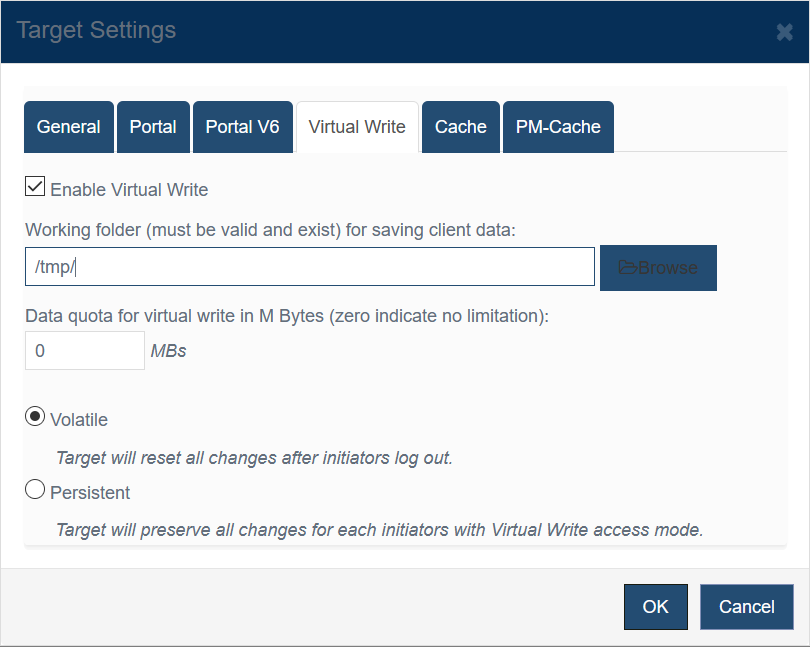
The Virtual Write tab is used for initiators that are granted Virtual Write access. Enable Virtual Write turns the feature on for this target. Two persistence modes are available: Volatile: All redirected changes are discarded when the initiator logs out. 5. Cache
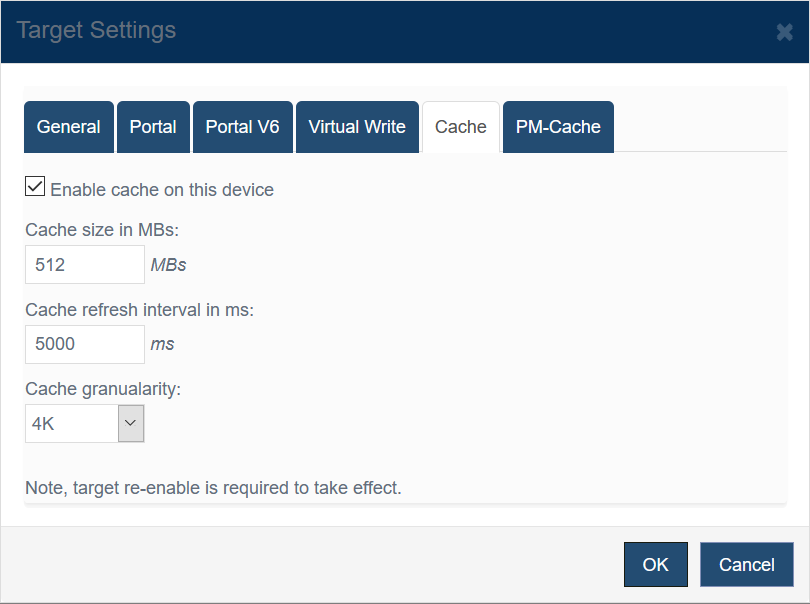
Enable cache on this device to use RAM-based caching for the target. Cache size in MBs sets the cache capacity. 6. PM-Cache
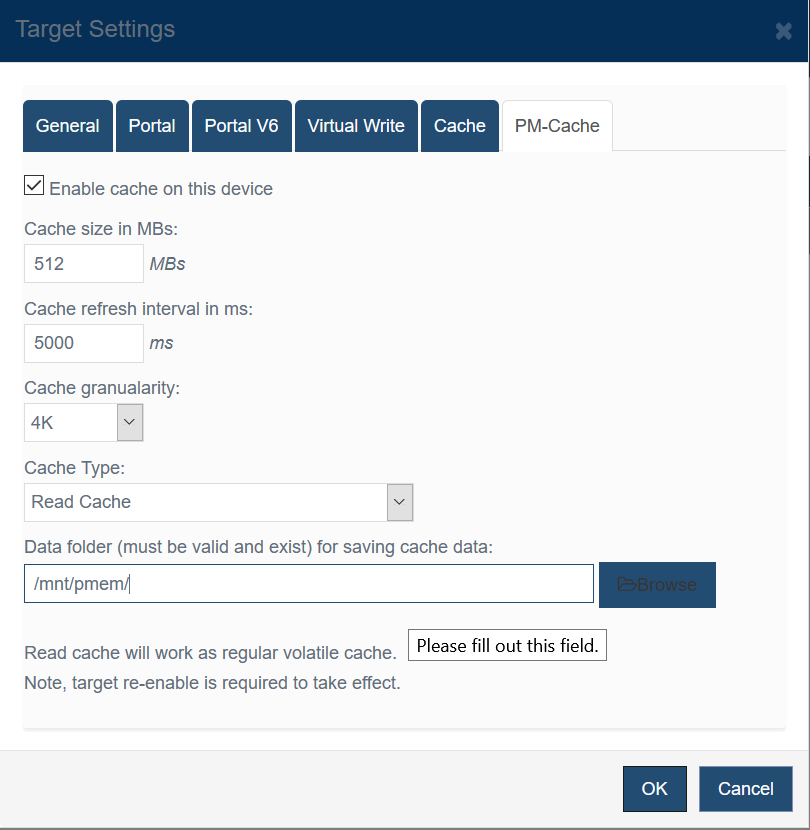
The PM-Cache tab adds persistent or SSD-backed caching for the target. Cache size in MBs, Cache refresh interval in ms, and Cache granularity control the capacity and behavior of the cache. |
|

SUPPORT
- Forum
- Support Ticket
- [email protected]

- Voice Mail:
- +1 (518) 289-4888