
iStorage Server Online Help

| Target Setting | KernSafe iSCSI SAN User Manual |
| Right-click an existing target and choose Properties to open the Target Settings window. The following sections are available.
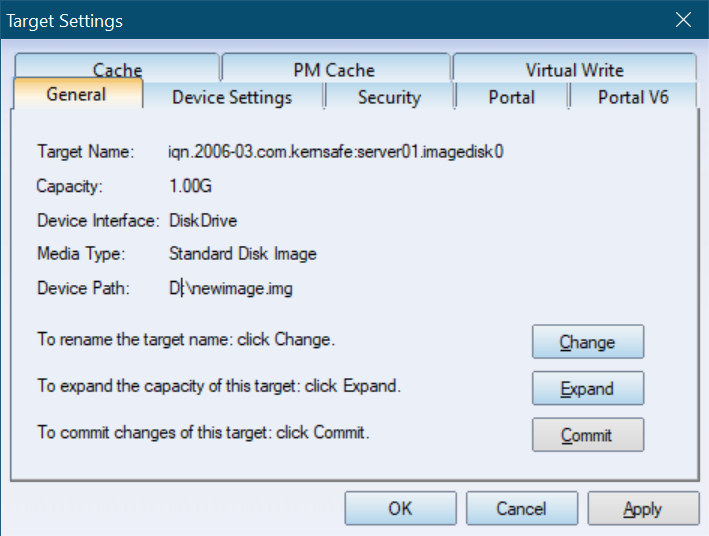
1. General
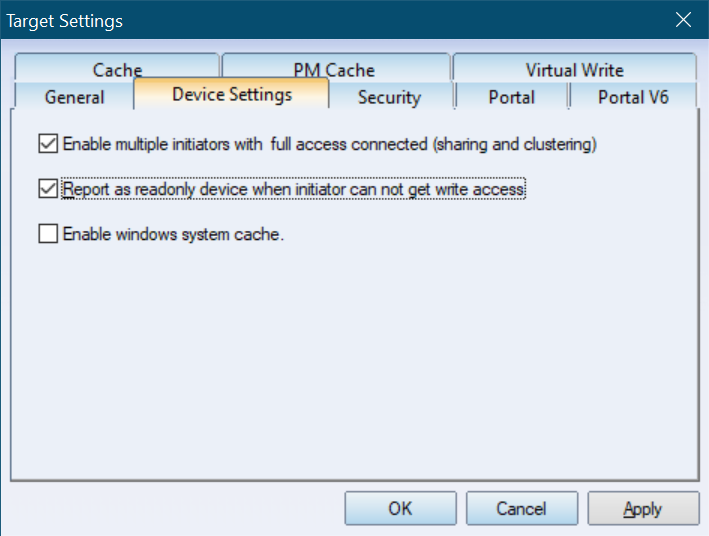
Change: Renames the target. 2. Device Settings If you enable Report as readonly device when initiator cannot get write access, the device is exposed as read-only whenever an initiator cannot obtain write permission. Concurrent writes by multiple initiators can cause data corruption in non-clustered environments. In clustered deployments, write coordination is handled by the cluster software. For that scenario, enable Enable multiple initiators with full access connected (sharing and clustering). Enabling Windows system cache turns on the built-in Windows cache for this target. 3. Security
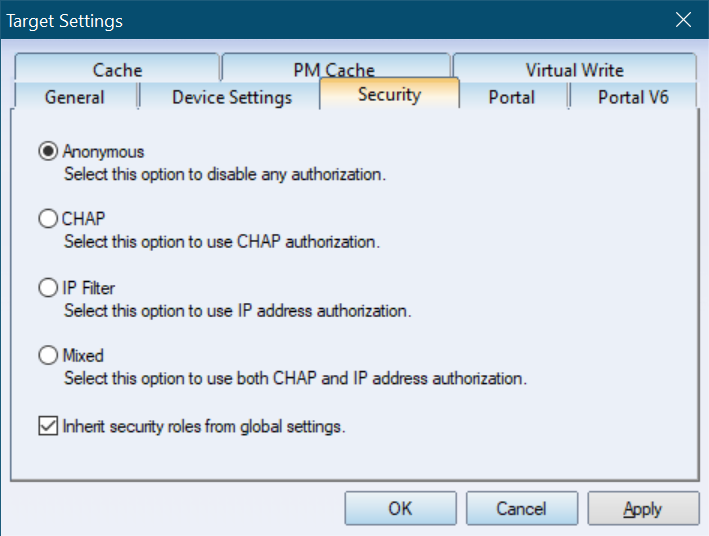
Use this page to change the target's authorization mechanism. For more information, see Authorization Mechanism. 4. Portal and Portal V6
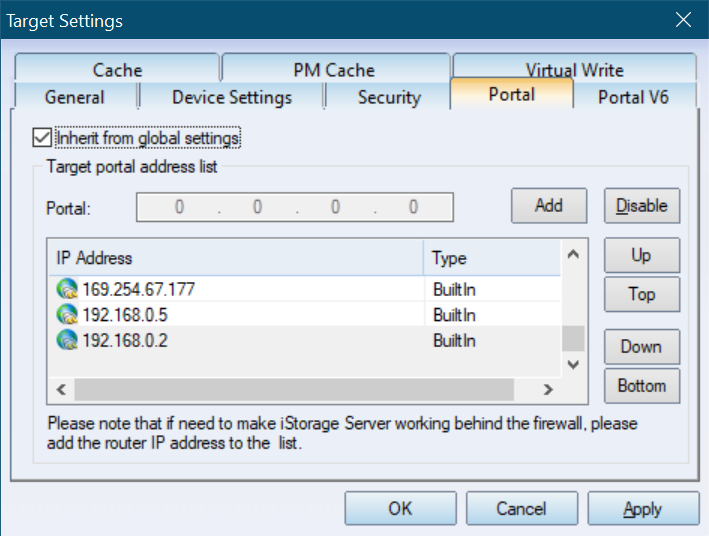
If you select Inherit from global settings, the target uses the global portal configuration. Otherwise, you can define a dedicated portal address for this target. 5. Cache
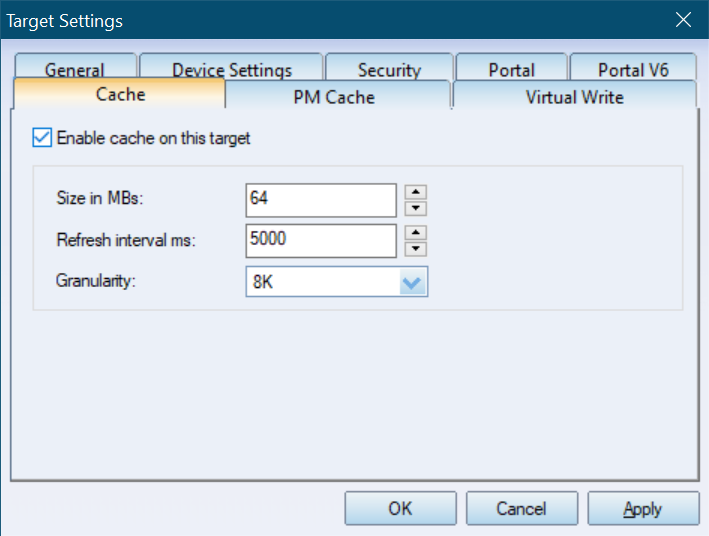
Enable Enable cache on this target if you want to improve read and write performance. Cache size in MBs: Specifies the cache size. The minimum size is 64 MB. 6. PM-Cache
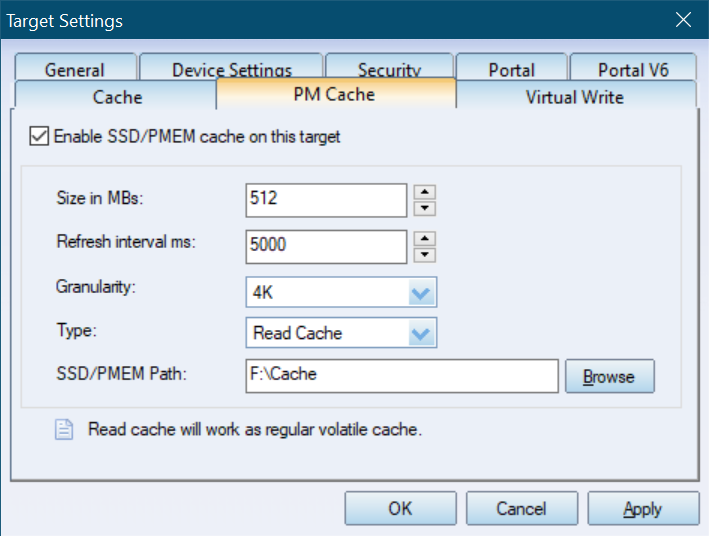
Enable Enable SSD/PM cache on this target to accelerate reads and writes by using SSD or persistent memory such as Optane DC. Cache size in MBs: Specifies the cache size. The minimum size is 64 MB. 7. Virtual Write
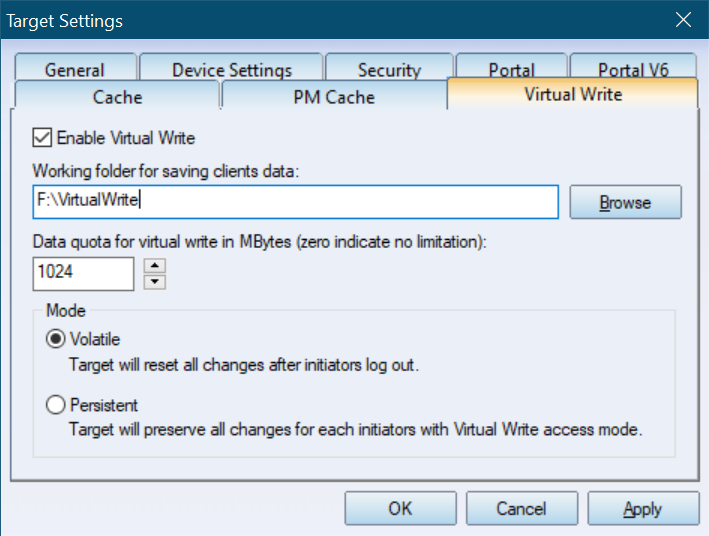
If an initiator has COW Protection permission, the settings on this page become available for that initiator. Select Enable Virtual Write to turn on Virtual Write for this target. Clear the check box if the target should not use Virtual Write. Click Browse to select the working folder used to store initiator write data, and then specify the file size. Two modes are available: Reset when log out: Discards all changes after the initiator logs out. |
|

SUPPORT
- Forum
- Support Ticket
- [email protected]

- Voice Mail:
- +1 (518) 289-4888