
SuperSAN X Online Help

| CHAP Groups Management | KernSafe Storage Center |
|
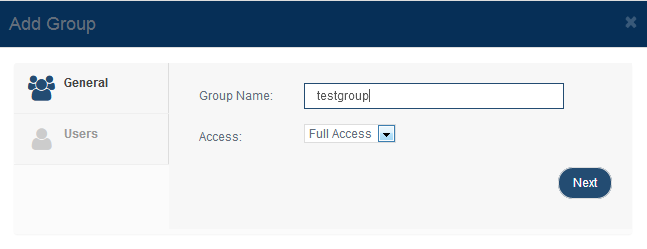
Create Group Open Security > Groups and click Add to create a CHAP group.
On the General tab, provide:
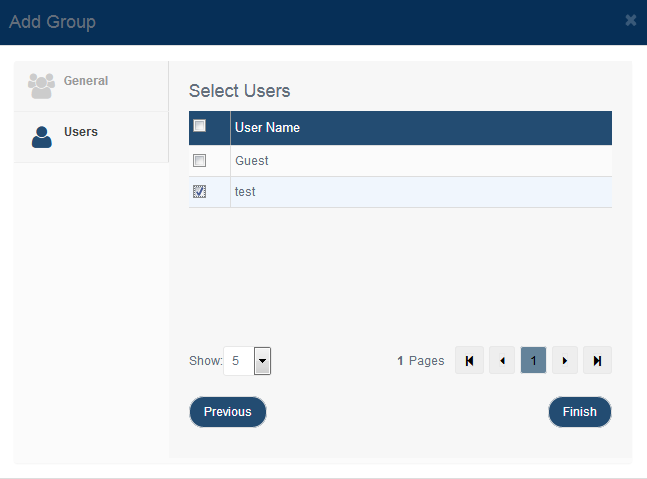
Add Users to the Group Click Next or switch to the Users tab to assign users to the group. Select the users that should inherit the group permission, and then click Finish to create the group.
Edit or Delete a Group To modify or remove a group, select it in the list and click Edit or Delete on the toolbar. |
|

SUPPORT
- Forum
- Support Ticket
- [email protected]

- Voice Mail:
- +1 (518) 289-4888