
SuperSAN X Online Help

| Install Storage Center | KernSafe Storage Center |
|
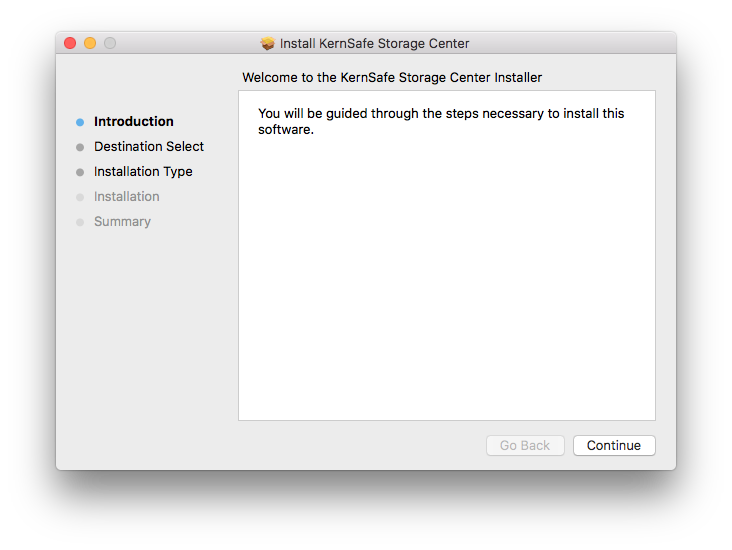
KernSafe Storage Center can be easily installed by following the instructions introduced in this section. If a previous version of the Storage Center has been installed, please close all the Storage Center applications. Step 1: Welcome Window
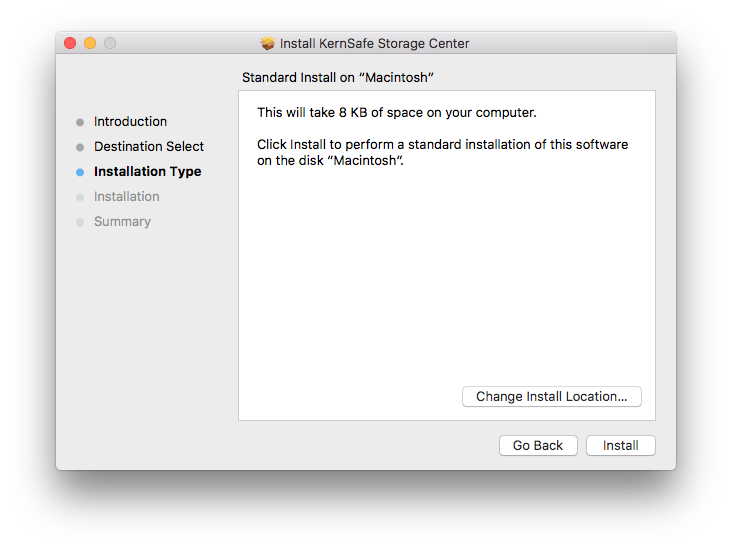
Step 2: Choose Install Location window
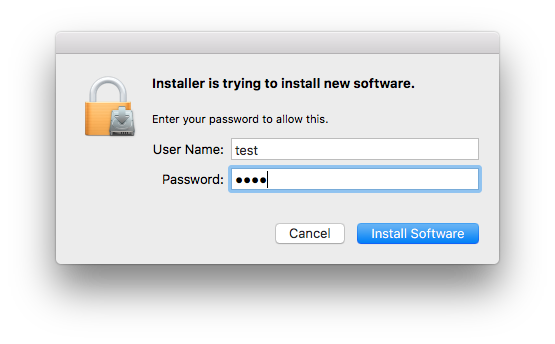
Step 3: Mac OS Authorization window
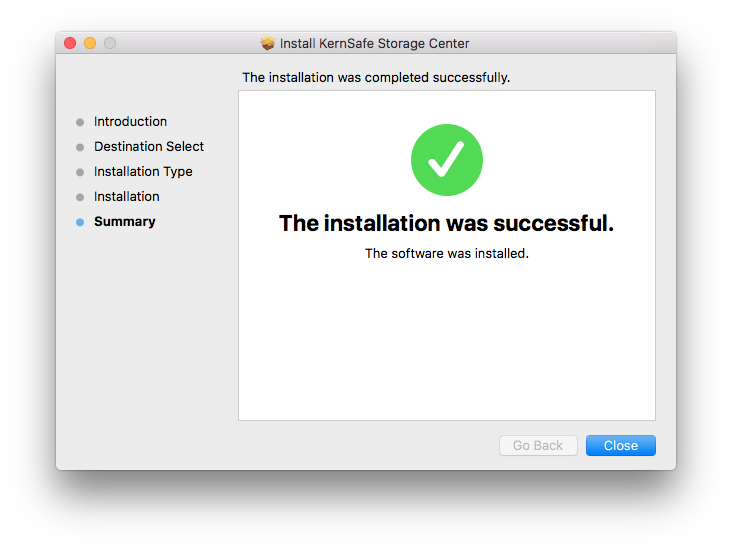
Step 4: Finish window
|
|

SUPPORT
- Forum
- Support Ticket
- [email protected]

- Voice Mail:
- +1 (518) 289-4888