
SuperSAN X Online Help

| SMTP Notify Settings | KernSafe Storage Center |
|
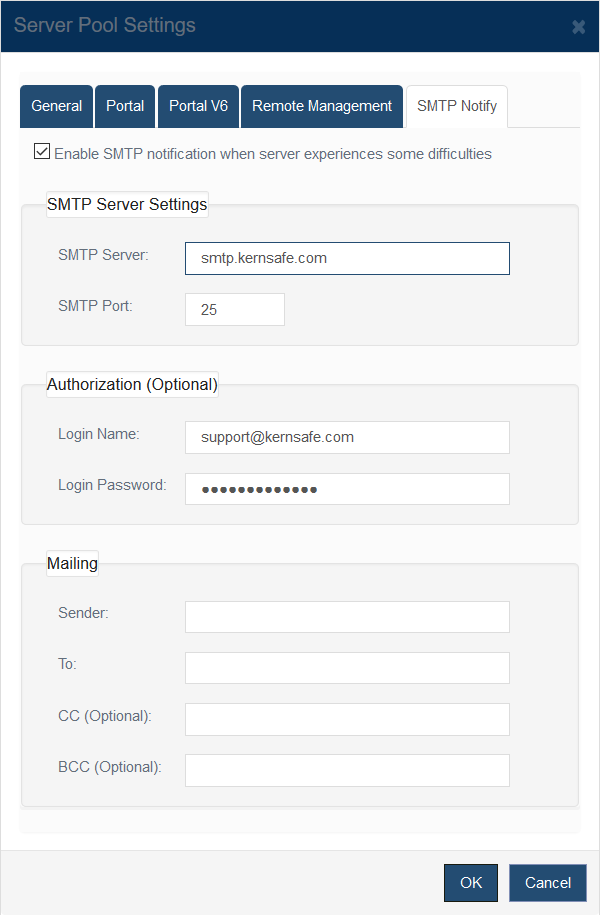
Use SMTP notifications to send email alerts when the storage server encounters operational issues. Open Storage Management > Server Pools, select a pool, click Settings, and then switch to the SMTP Notify tab.
Enable SMTP notification when server experiences some difficulties and then configure the following sections: 1. SMTP Server Settings 2. Authorization (Optional) 3. Mailing
|
|

SUPPORT
- Forum
- Support Ticket
- [email protected]

- Voice Mail:
- +1 (518) 289-4888