
iStorage Server Online Help

| Manage Storage Pool | KernSafe iSCSI SAN User Manual |
|
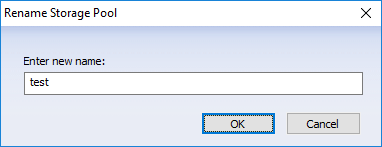
Storage Pool is a 100% SDS feature that aggregates local disks into pooled storage and creates dynamic block volumes for client use. These volumes support unlimited zero-copy snapshots and provide options for redundancy, scale-up growth, and performance scaling as more devices are added. Storage Pool can be deployed on all-flash arrays or on hybrid SSD/HDD arrays. Manage Storage Pool You can perform the following management tasks on an existing storage pool. 1. Rename
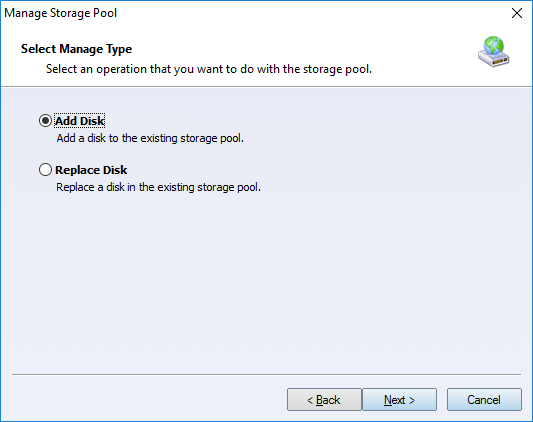
Enter the new storage pool name, then click OK to rename the pool. 2. Add Disk (expand storage) Click the Manage link in the task panel. The Manage Storage Pool Wizard appears.
Choose Add Disk and click Next to continue.
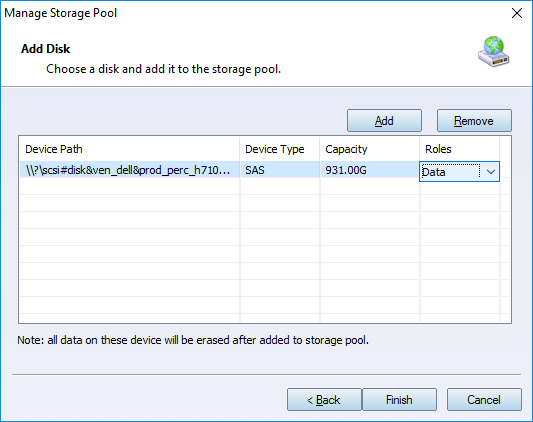
As in storage pool creation, add the disk and specify its role, then click Finish to add it. Note: Make sure there is no important data on the disk. Any disk added to the storage pool is erased. 3. Replace Disk Click the Manage link in the task panel. The Manage Storage Pool Wizard appears.
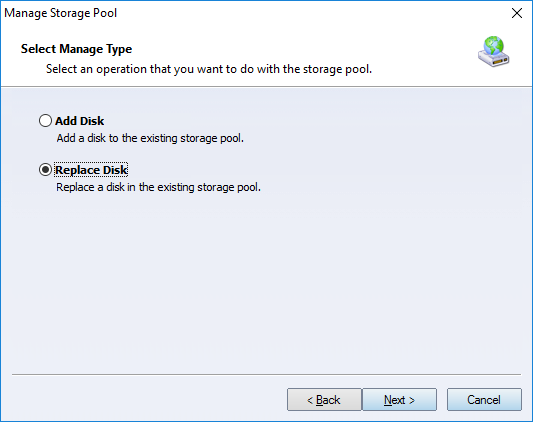
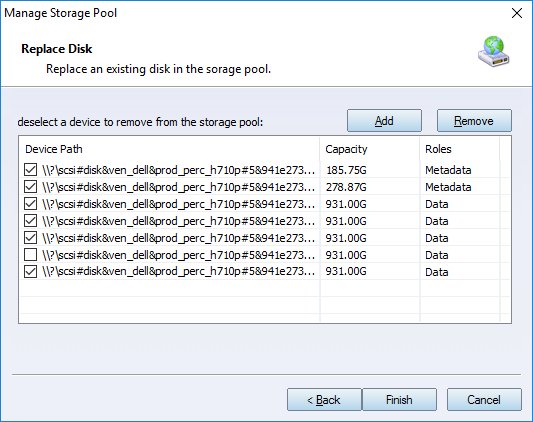
Choose Replace Disk and click Next to continue.
Deselect the disk to be replaced and add the new disk. The role of the new disk is assigned automatically. Click Finish to replace the disk. 4. Enable and Disable Click the Enable or Disable link in the task panel to change the pool state. Only enabled storage pools can provide data services to other components. | |

SUPPORT
- Forum
- Support Ticket
- [email protected]

- Voice Mail:
- +1 (518) 289-4888