
iStorage Server Online Help

| Manage Storage Volume | KernSafe iSCSI SAN User Manual |
|
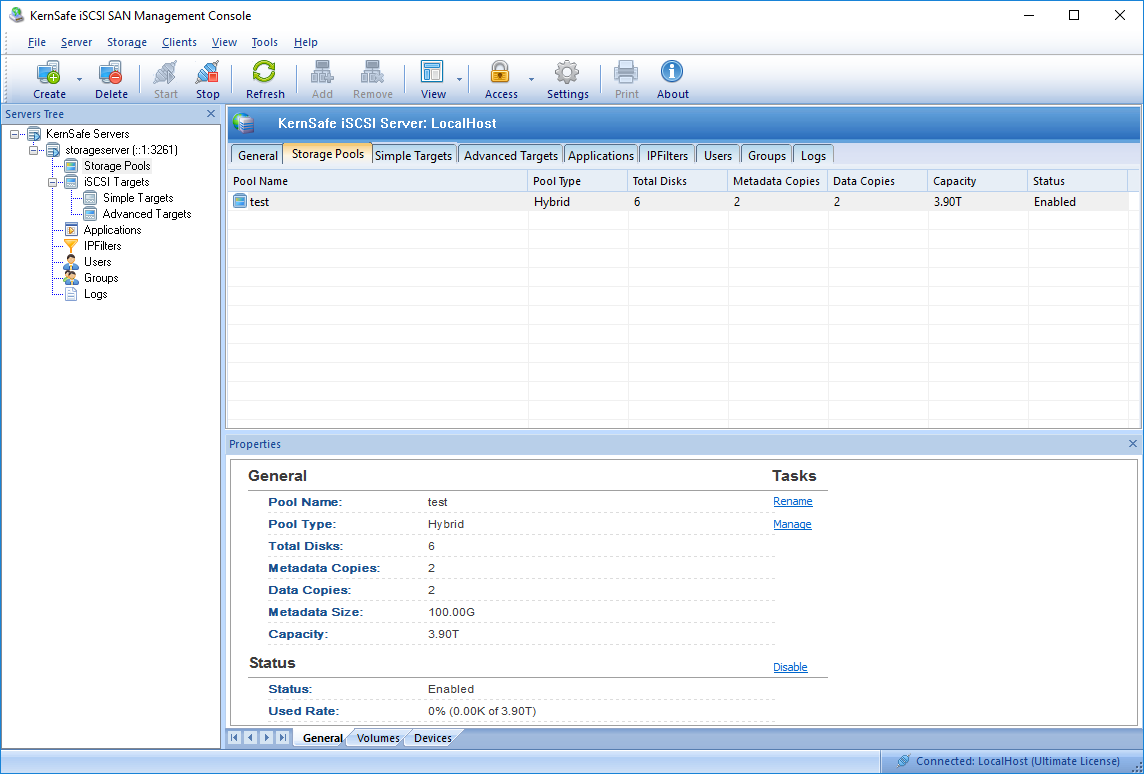
Manage Storage Volume Create Storage Volume Select a Storage Pool in the main interface. Its property panel will appear.
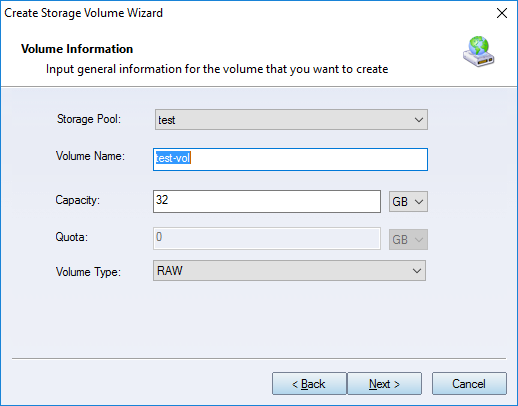
Switch to the Volume page. Right-click the blank area and select Create Volume. The Create Storage Volume Wizard appears.
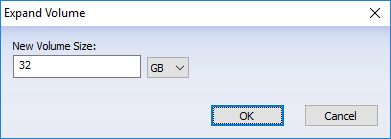
You can choose whether to create an associated iSCSI target for the volume. Please refer to the topic Create Storage Volume iSCSI target. Delete Storage Volume Right-click a volume, then select Delete. After you confirm the action, the volume is deleted. Rename Storage Volume Right-click a volume, then select Rename to modify the volume name directly. Expand Storage Volume To expand the volume capacity, right-click a volume and select Expand. The Expand Volume dialog box appears.
Enter new size and click the OK button to expand it. | |

SUPPORT
- Forum
- Support Ticket
- [email protected]

- Voice Mail:
- +1 (518) 289-4888