
iStorage Server Online Help

| Register | KernSafe iSCSI SAN User Manual |
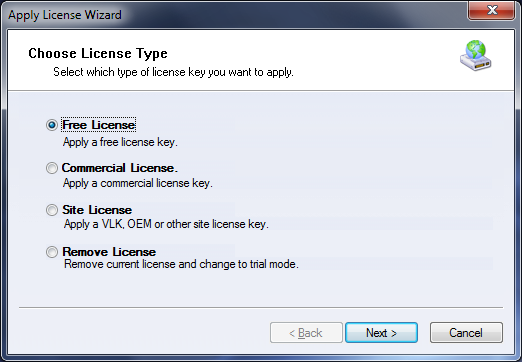
KernSafe iSCSI SAN is distributed as shareware and includes a 20-day trial period for unregistered users. To continue using the product after the trial expires, purchase and apply a valid license code. You can buy a license at http://www.kernsafe.com/purchase.aspx. To register the software:
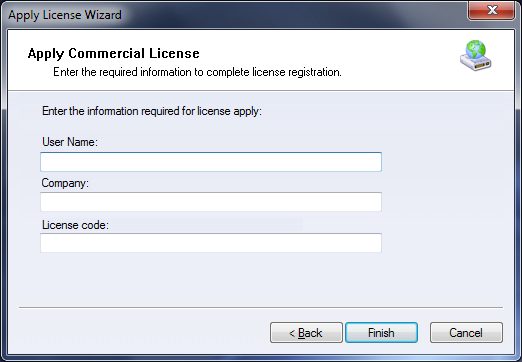
Enter the User Name, Company, and License Code to complete the license application. After registration is successful, click Help -> About to verify the registered information. |
|

SUPPORT
- Forum
- Support Ticket
- [email protected]

- Voice Mail:
- +1 (518) 289-4888