
iStorage Server Online Help

| Use iSCSI Initiator | KernSafe iSCSI SAN User Manual |
The iSCSI Initiator is built into Microsoft Windows Vista and later systems. For other supported Windows versions, you can use the iSCSI initiator included in the KernSafe package. The example below uses Microsoft iSCSI Initiator to show how to connect to a target provided by KernSafe iSCSI SAN.
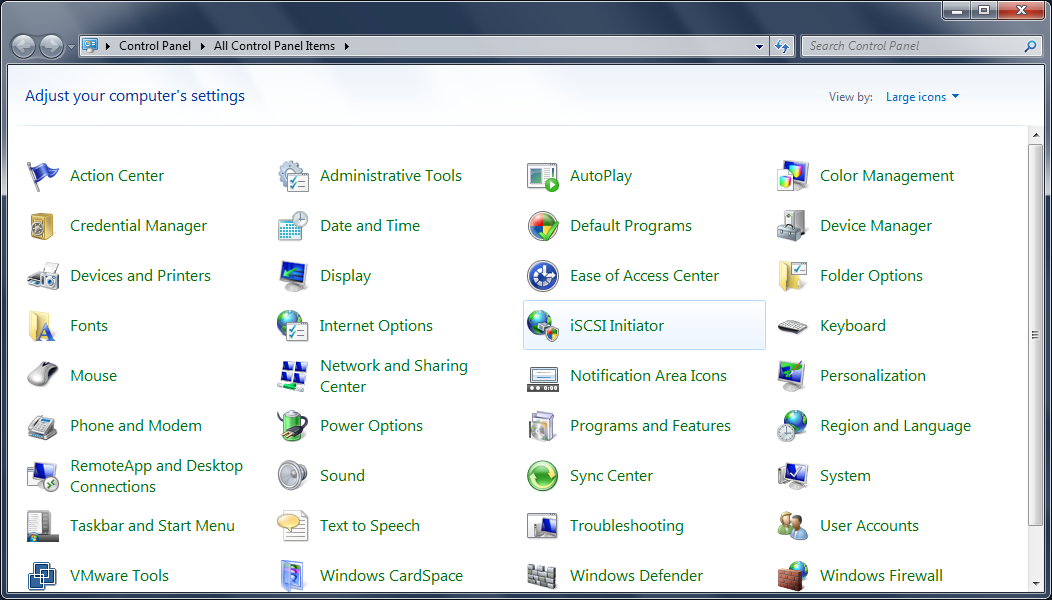
Open Control Panel and double-click the iSCSI Initiator icon. The initiator window opens.
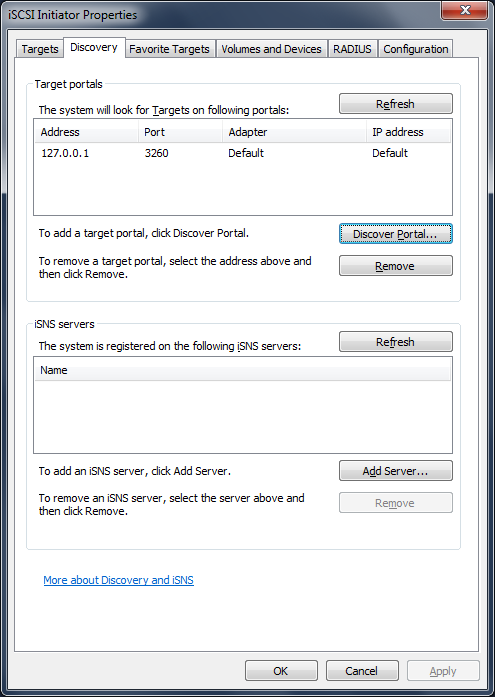
First, add the KernSafe iSCSI SAN server to the initiator. Switch to the Discovery page and click Add Portal. In the dialog box, enter the KernSafe iSCSI SAN IP address and listening port. Make sure that the port is allowed through the firewall.
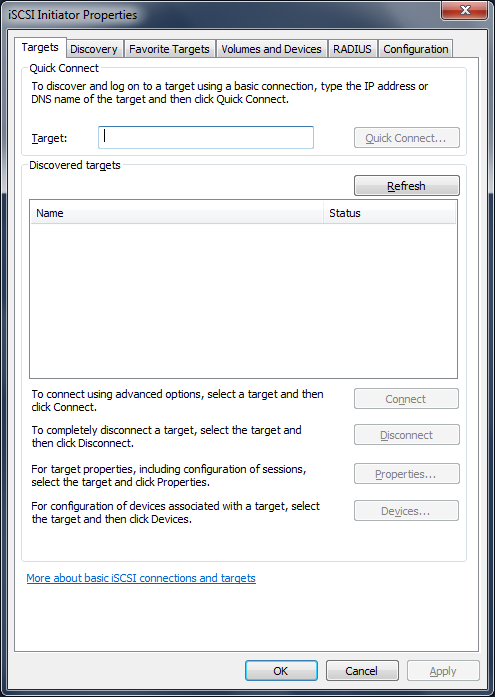
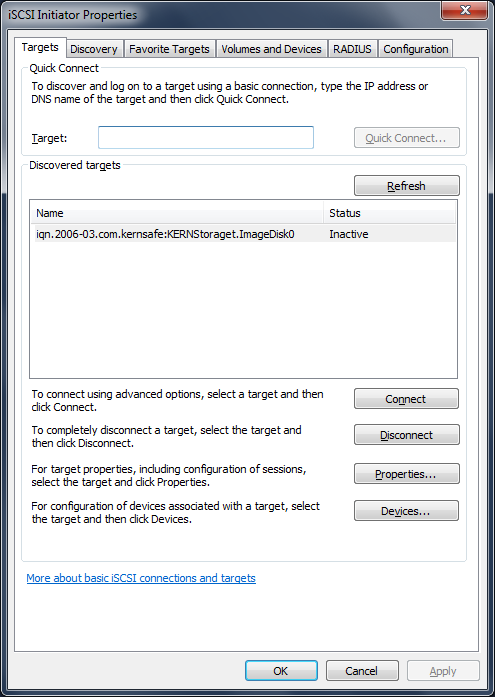
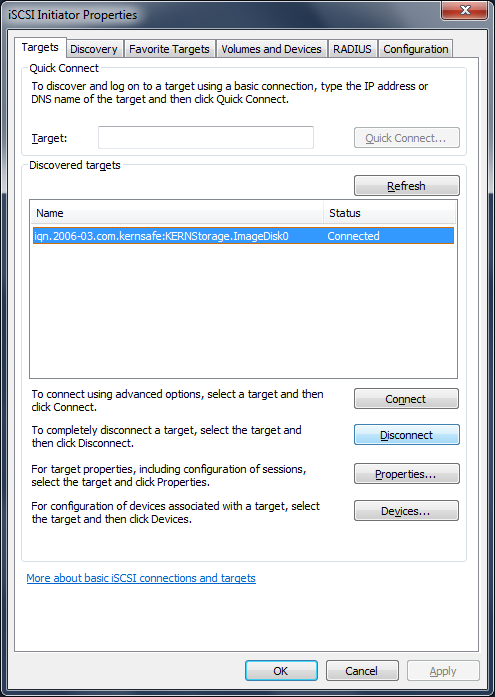
Next, switch to the Targets page and click Refresh. The initiator lists all available target IQNs.
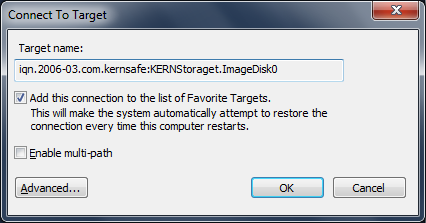
Select the iSCSI device and click Log on to establish the connection to KernSafe iSCSI SAN. You can select Automatically restore this connection when the computer starts if the target should reconnect automatically after boot.
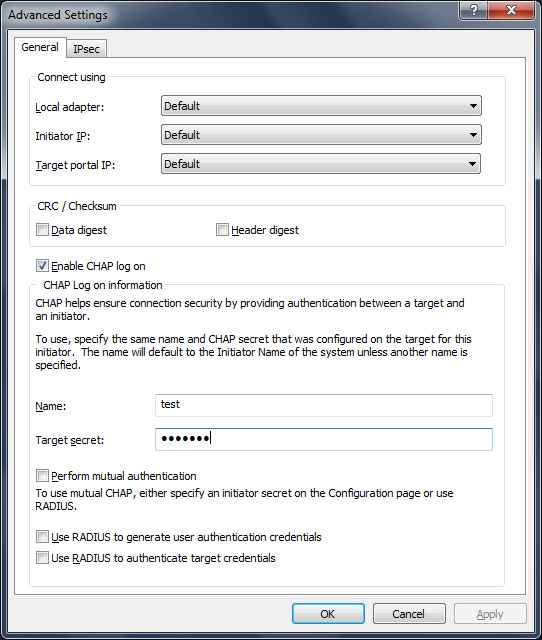
Click Advanced to open the advanced settings dialog box. If the target uses CHAP authentication, select CHAP logon information and enter the user name and password that were created in KernSafe iSCSI SAN.
|
|

SUPPORT
- Forum
- Support Ticket
- [email protected]

- Voice Mail:
- +1 (518) 289-4888